The engine, on your desk.
A Windows app for describing a device and walking through what the engine did: the requirements, the schematic, the board, the case, and the factory files if the board passes. Pre-release: it runs from source today and you start the engine by hand.
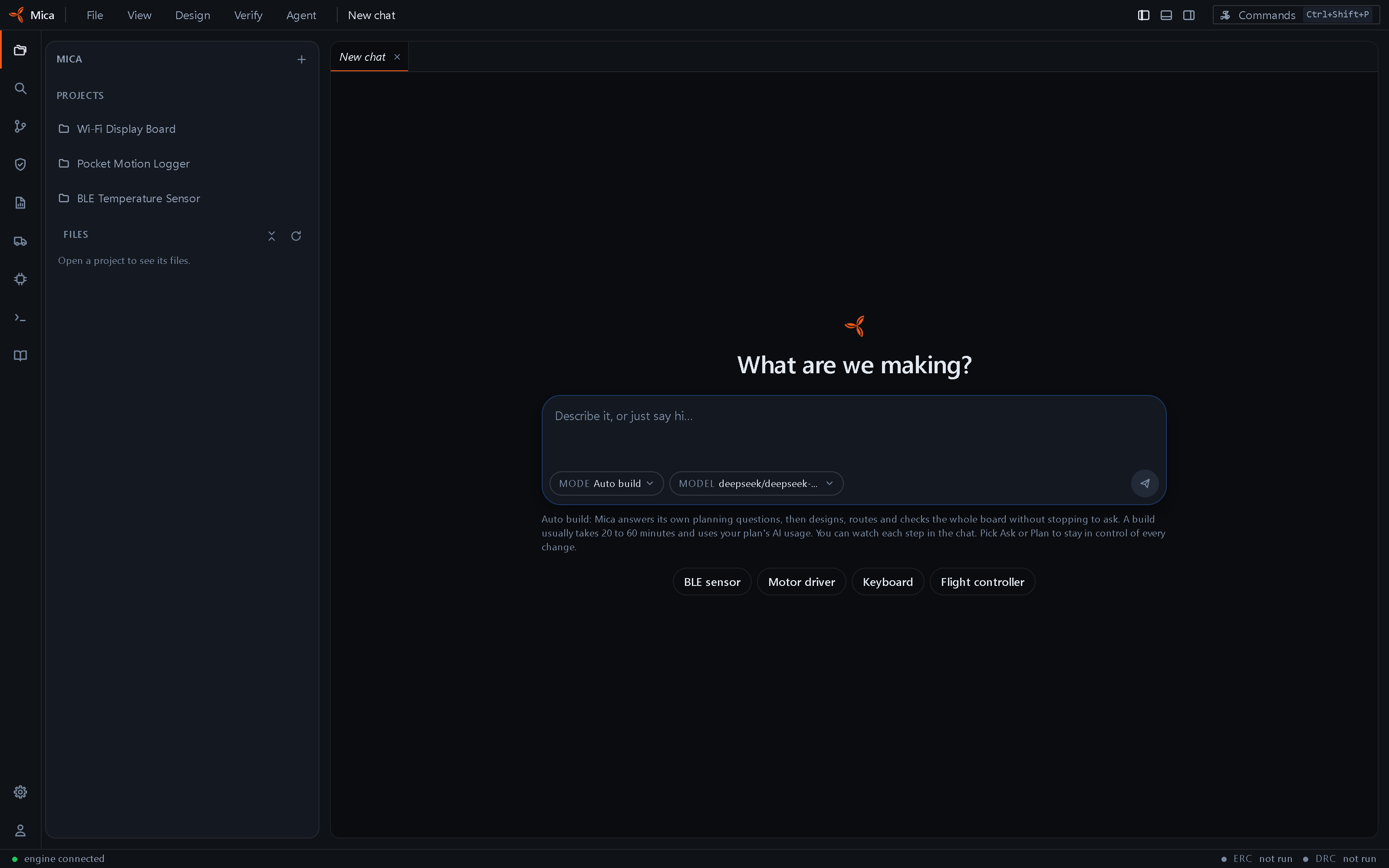
One app that shows its work.
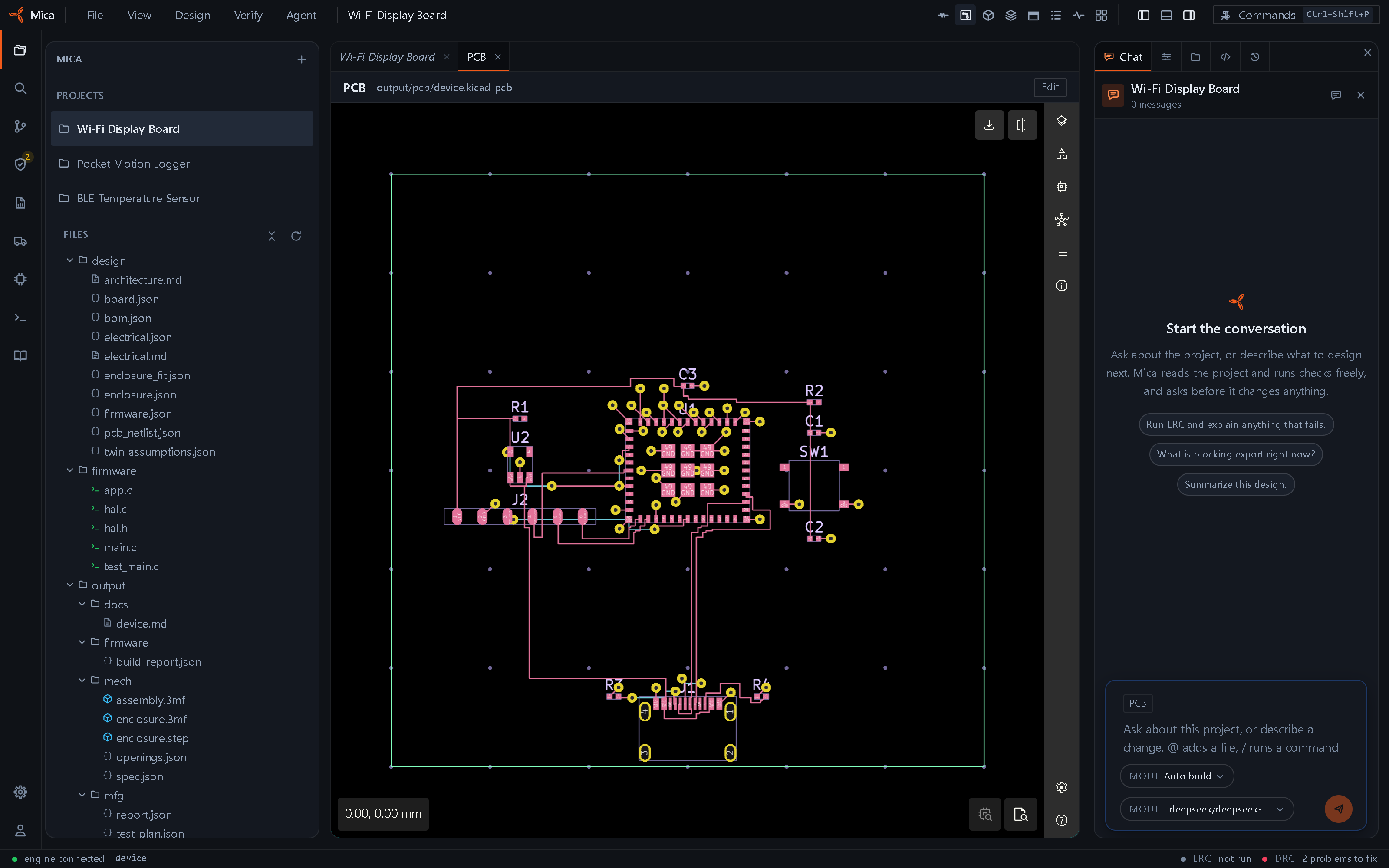
Describe what you want in the chat, in Ask, Plan or Auto build mode. Then watch the engine propose, check, and save, with the board drawn live while it routes. Click any part on the schematic, the board or the 3D model to see what it is, and ask about it.
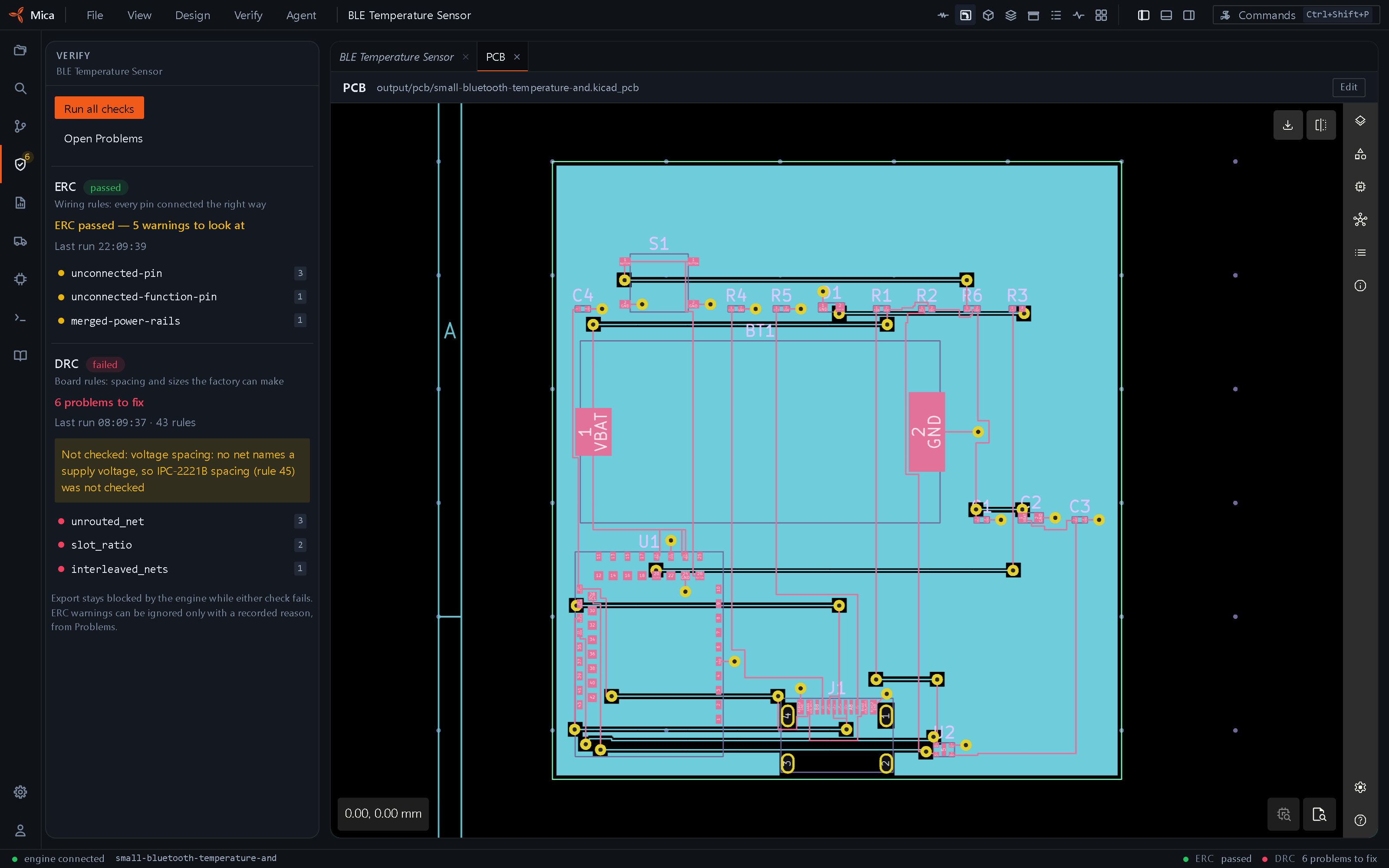
The workspace is on your disk. If a check fails, the app shows the failure. A board that fails is shown as failed.
What the app is built on.
- 01
Project files stay on your machine
The app talks to the engine over a local connection, and files save into the project workspace on your disk. What you type, and the project details the model needs, go through Mica's model gateway to the maker of the model you pick.
- 02
Walk the work, don't trust it
Agent runs write a journal, and each project keeps a git history, so you can see what changed and when.
- 03
Failure is a result
A failing check is shown and left in place, never hidden.
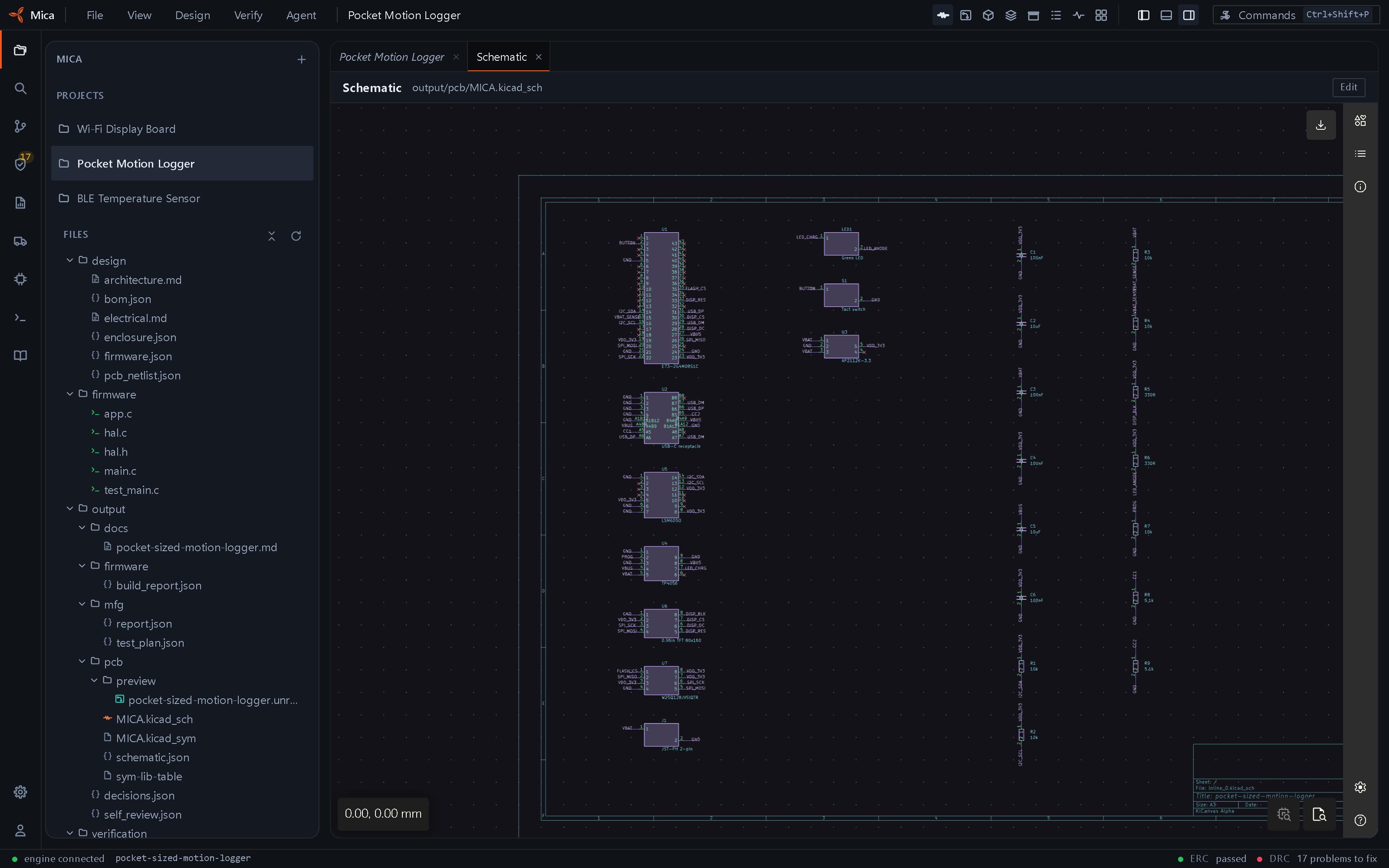
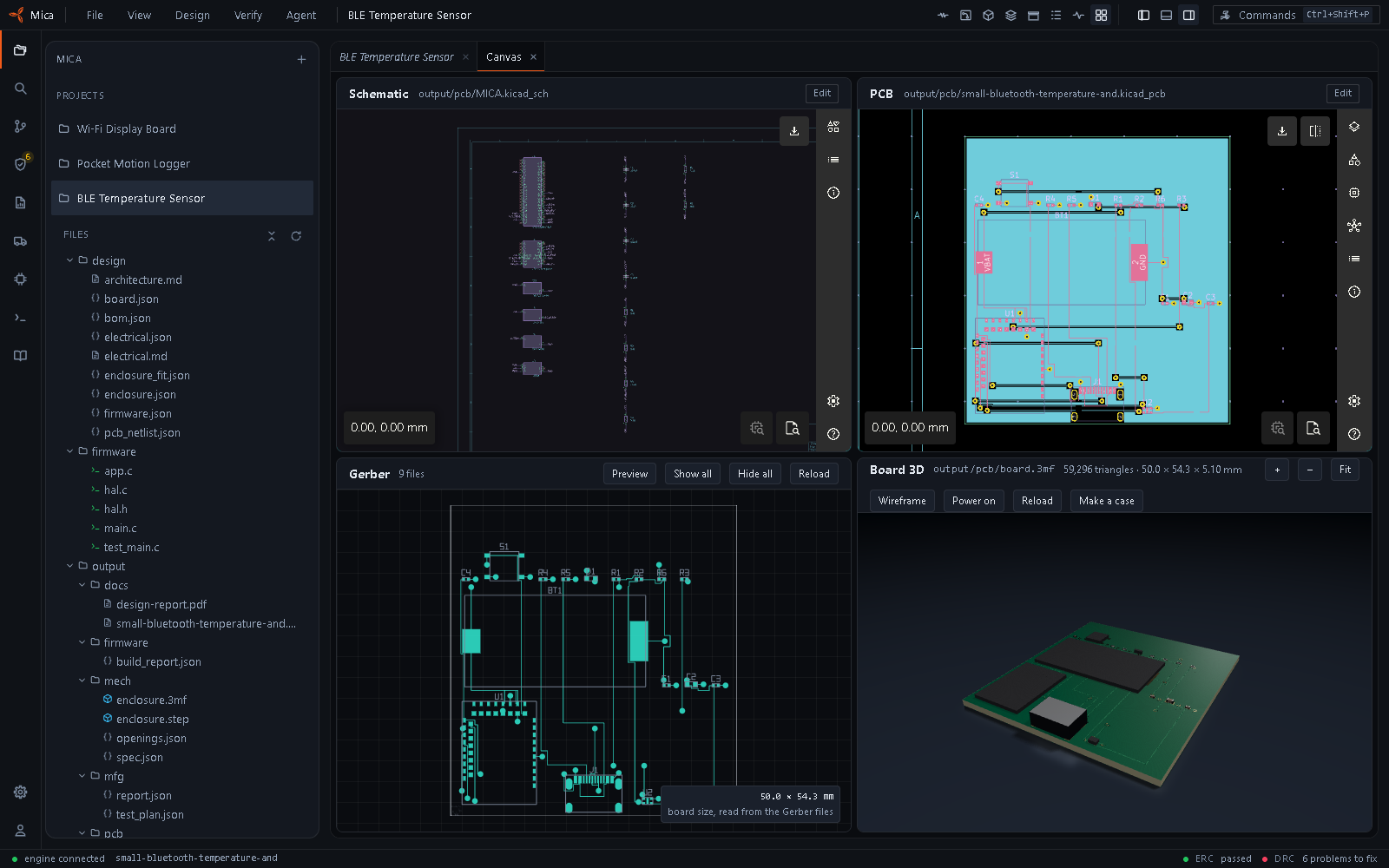
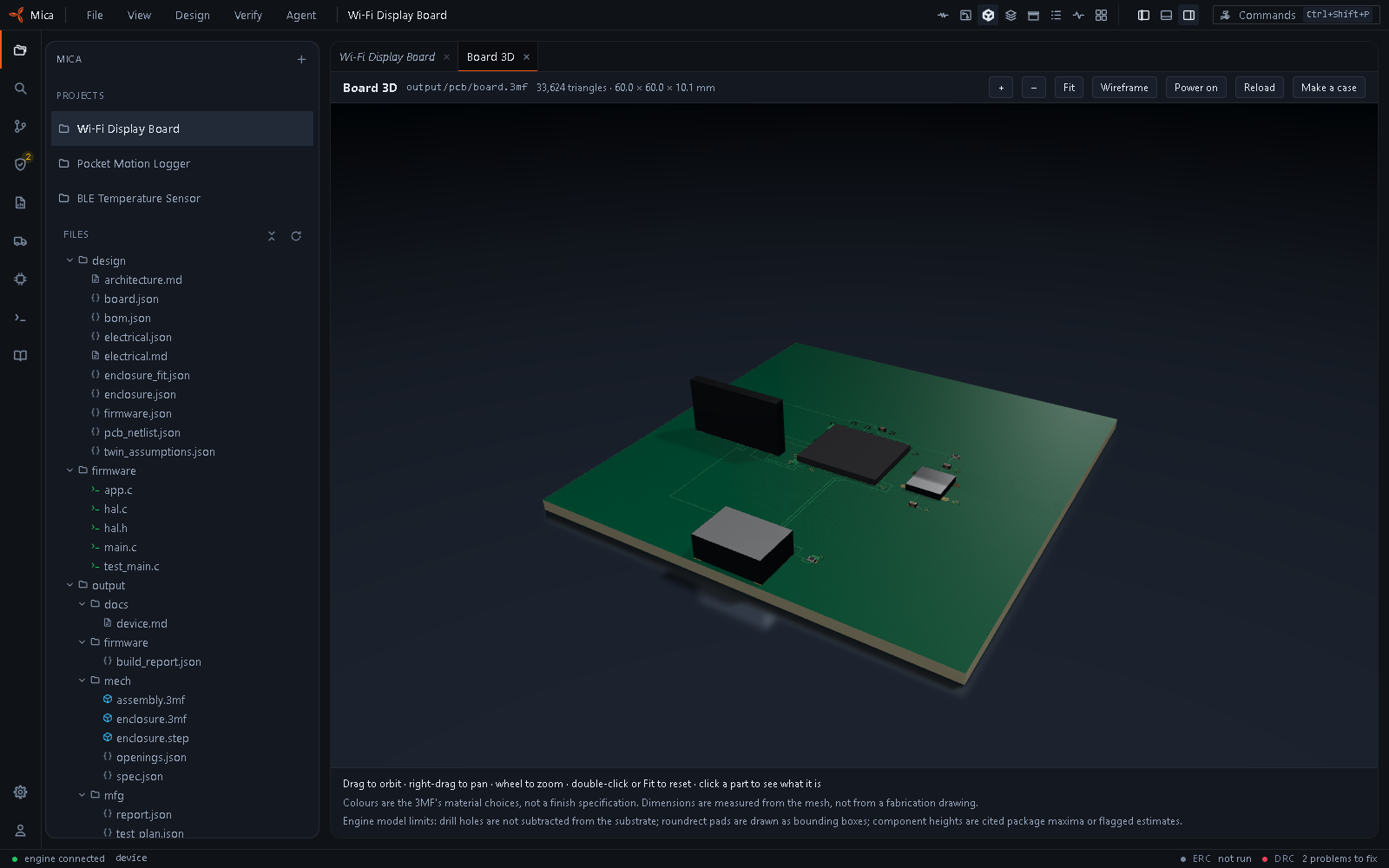
Every view, from the real app.
Real captures from the app on four boards it designed, not mockups. None of these boards has been made yet.



Hear when you can try it.
There is no public download yet. Join the waitlist and we'll email you when there is.
By joining, you agree to our Privacy Policy. We will only email you about Mica’s launch, and you can ask to be removed at any time.
We will email you when there is something to try. No spam.